

Introduction
PDF files have become the standard format for sharing contracts, resumes, invoices, presentations, reports, and academic documents. Whether you’re a student submitting assignments, a professional handling business paperwork, or simply organizing personal files, knowing how to convert, compress, and merge PDF files can save both time and storage space.
Today, you no longer need expensive desktop software to manage PDFs. Modern browser-based tools allow you to convert documents into PDF, reduce file sizes, merge multiple files, and even edit PDFs directly from your web browser. This guide explains everything you need to know while highlighting the importance of choosing secure and reliable PDF tools.
Why PDF Files Are So Popular
PDF (Portable Document Format) is widely used because it preserves formatting across different devices and operating systems. Unlike editable document formats, PDFs maintain the same appearance regardless of where they are opened.
People commonly use PDFs for:
- Business contracts
- School assignments
- Legal documents
- Financial reports
- User manuals
- E-books
- Resumes
- Certificates
Because of their universal compatibility, PDFs have become the preferred format for professional document sharing
Why You May Need to Convert, Compress, or Merge PDF Files
Managing PDF documents often involves more than simply opening and reading them. Everyday tasks include:
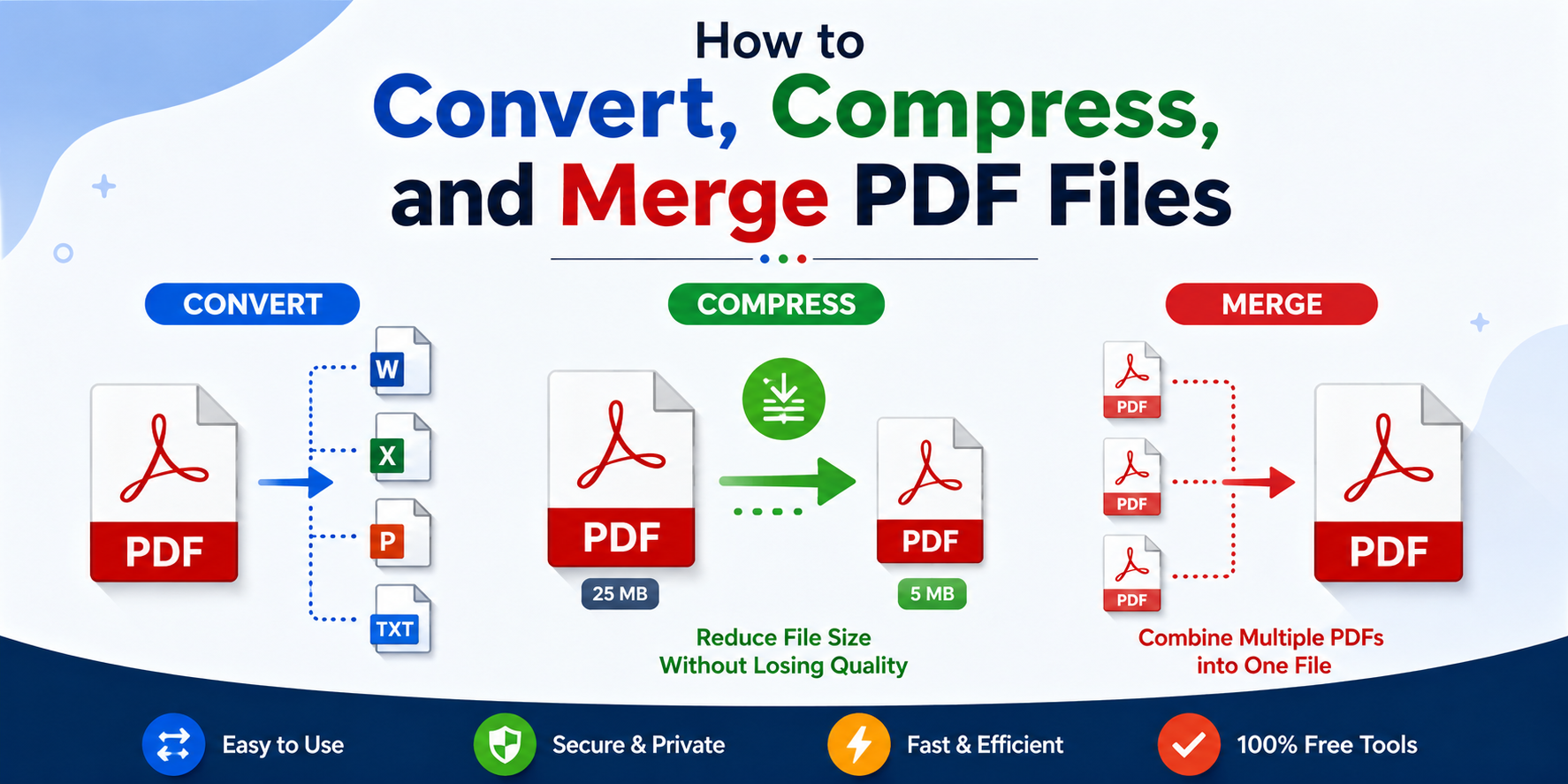
Converting Documents to PDF
Many documents begin as Word, Excel, PowerPoint, or image files. Converting them into PDF ensures that fonts, layouts, and formatting remain consistent when shared.
Common conversions include:
- Word to PDF
- Excel to PDF
- PowerPoint to PDF
- JPG or PNG to PDF
Online PDF converters make these tasks simple without requiring software installation.
Compressing Large PDF Files
Large PDF files can create problems when uploading documents to websites or sending them via email.
Compressing a PDF helps by:
- Reducing file size
- Speeding up uploads
- Meeting email attachment limits
- Saving storage space
- Keeping documents easy to share
Modern compression tools maintain excellent document quality while significantly reducing file size.
Merging Multiple PDFs
Instead of sending several attachments separately, you can combine them into one organized PDF.
Merging PDFs is useful for:
- Contracts
- Financial reports
- Project documentation
- Student assignments
- Portfolios
- Receipts
- Legal paperwork
A single document looks more professional and is easier for recipients to manage.
Choosing a Secure PDF Tool
Not every online PDF service offers the same level of security.
Before uploading sensitive documents, look for platforms that:
- Use secure file processing
- Clearly explain their privacy policy
- Don’t require unnecessary registration
- Offer fast processing
- Delete uploaded files after processing
- Avoid excessive advertising
This is especially important when handling personal, legal, financial, or business documents.
Browser-Based PDF Tools vs Desktop Software
Many users now prefer browser-based PDF tools because they eliminate the need for installation.
Browser-Based Tools
Advantages include:
- No software download
- Works on Windows, macOS, and Linux
- Accessible from any device
- Automatic updates
- Easy to use
Desktop Applications
Programs such as PDFsam Basic provide advanced offline PDF management, including:
- Splitting PDFs
- Merging documents
- Rotating pages
- Extracting pages
- Mixing multiple PDFs
- Bookmark-based splitting
Desktop software can be a good choice for users who regularly work with large or confidential documents without internet access.
Features to Look for in a PDF Tool
A reliable PDF platform should provide more than basic conversion.
Useful features include:
- PDF conversion
- PDF compression
- PDF merging
- PDF splitting
- Page rotation
- PDF editing
- Password protection
- File organization
- No watermark downloads
- Fast processing
Having all these tools in one place simplifies document management.
Avoid These Common Red Flags
Some PDF websites make document editing unnecessarily difficult.
Be cautious if a website:
- Requires registration before basic tasks
- Displays excessive advertisements
- Adds watermarks without warning
- Hides download buttons
- Uses misleading advertisements
- Doesn’t explain how uploaded files are handled
Choosing a trusted service helps protect both your documents and your privacy.
Why Simplicity Matters
Most people only need to complete routine tasks quickly.
An effective PDF platform should allow you to:
- Upload your document.
- Choose the required tool.
- Process the file.
- Download the finished document.
The fewer unnecessary steps involved, the more productive your workflow becomes.
PDF Tools for Students
Students regularly use PDF tools to:
- Submit assignments
- Convert lecture notes
- Merge research papers
- Compress coursework
- Organize study materials
Browser-based solutions are especially useful because they work on school computers without installation.
PDF Tools for Businesses
Businesses depend on PDF management for daily operations.
Common uses include:
- Contracts
- Invoices
- Quotations
- Employee forms
- Client proposals
- Reports
Using one platform to manage these documents improves efficiency while maintaining a professional appearance
Why Browser-Based PDF Tools Continue to Grow
Cloud-based PDF services continue gaining popularity because they offer flexibility across different devices.
Whether you’re using:
- A desktop computer
- A laptop
- A tablet
- A shared office computer
you can access your documents without installing specialized software.
Keeping Your Documents Professional
Professional documents should remain clean and free of unnecessary branding.
Choose tools that:
- Preserve formatting
- Avoid adding watermarks
- Maintain image quality
- Produce high-quality PDFs
This is especially important for resumes, business proposals, legal documents, and academic submissions.
Frequently Asked Questions
What is the easiest way to convert documents into PDF?
Use a trusted online PDF converter that supports Word, Excel, PowerPoint, and image files. Upload your document, convert it, and download the finished PDF within minutes.
Can I compress a PDF without losing quality?
Yes. Modern PDF compression tools reduce file size while preserving readable text, images, and document formatting.
Is it safe to merge PDF files online?
It can be, provided you choose a reputable platform that explains its privacy practices and securely handles uploaded files.
Do I need to install software to edit PDFs?
No. Many browser-based PDF platforms allow you to convert, compress, merge, and edit documents without installing any software.
What’s the advantage of desktop software like PDFsam Basic?
Desktop applications provide advanced PDF management features and allow users to work offline, making them ideal for frequent or large-scale document editing
Conclusion
Learning how to convert, compress, and merge PDF files makes document management faster, more organized, and far more efficient. Whether you’re preparing school assignments, sending business reports, or organizing personal records, the right PDF tools can simplify your workflow without requiring expensive software.
Both browser-based services and desktop applications like PDFsam Basic offer valuable features depending on your needs. The most important consideration is choosing a reliable solution that balances ease of use, document quality, and security. By using trusted PDF tools, you can manage files confidently while keeping your documents professional, accessible, and easy to share.
READ MORE: How Old Is Amal Clooney? A Natural Look at Her Age, Career, Family, and Global Impact.
 molyatkinsan